Choose a path · 2 minutes
Choose how to begin in Aura
Choose whether to build inside Aura, start a new game in an engine, or connect a project you already have.
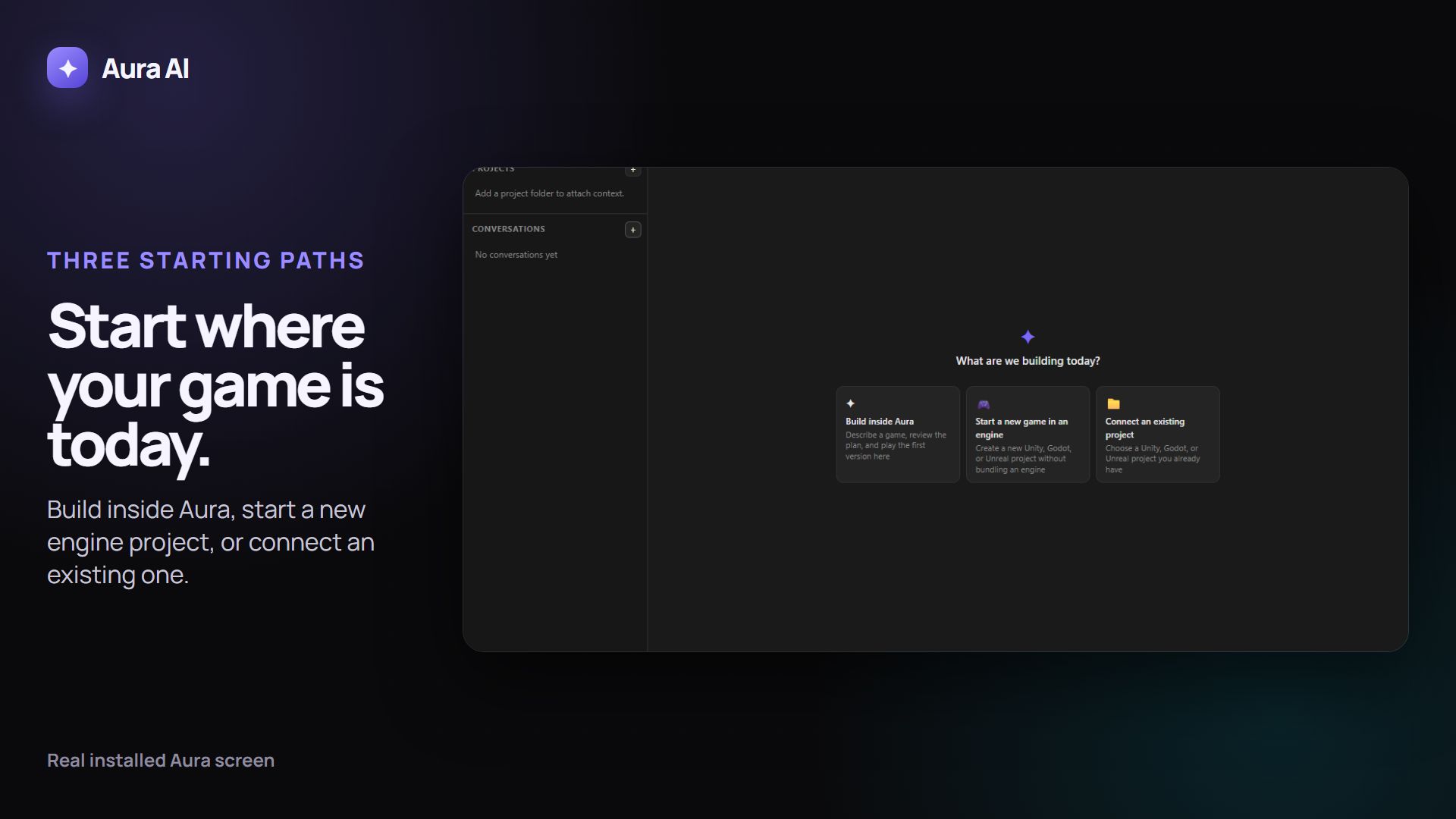
The silent walkthrough could not load. The screenshot and written steps remain available.
Use this guide with Aura
Open Aura, then keep this guide beside it while you follow the steps. Aura does not receive the page text, your account, your project, or anything you typed.
If nothing opens, start Aura normally. The written steps still work.
Before you start
- Aura AI is installed and signed in.
- You know whether you already have a game project you want to keep using.
Plan and model funding
Choosing a starting path does not by itself make a model request or change your balance. Aura shows the funding source before later model work begins.
Say this in ordinary language
Help me choose whether to build this game inside Aura, start a new game in an engine, or connect a project I already have.
Steps
-
1
Open Aura with no project selected.
What you should see: Build inside Aura, Start a new game in an engine, and Connect an existing project appear as equal choices.
-
2
Choose Build inside Aura when you want to describe, review, and play the first version without opening an engine.
What you should see: Aura opens the engine-free game guide and keeps engine transfer as a later option.
-
3
Choose Start a new game in an engine when you want Aura to create a new Unity, Godot, or Unreal project.
What you should see: Aura asks you to choose an editor that is already installed, then creates and registers the approved project; it does not download or bundle the engine.
-
4
Choose Connect an existing project when you already have a Unity, Godot, or Unreal game.
What you should see: Aura guides you to select that project and shows project context separately from change readiness.
What Aura may change
Choosing a guide does not change a game project. Later project creation or edits remain separately reviewable before they run.
How to verify it worked
The guide that matches your choice opens and its first step describes the same starting point you selected.
Undo or recover
Return to the Aura home screen or Tutorials and choose a different starting path.
Common problems
- If the three choices do not appear, clear the selected project and return to the empty Aura home screen.
- If an engine is not listed, install it separately before choosing the new-engine path.